
Back to illustrated tutorials

Text and story scripts: make each game shot clear

Text is both a creative note and a generation input. Fix character traits and the story’s purpose first, then split a long story into individual shots to reduce conflicting instructions.

Choose a small story

Open a project with a one-sentence premise, one character and one location. Start with a three-shot story instead of putting an entire world description in a single request.

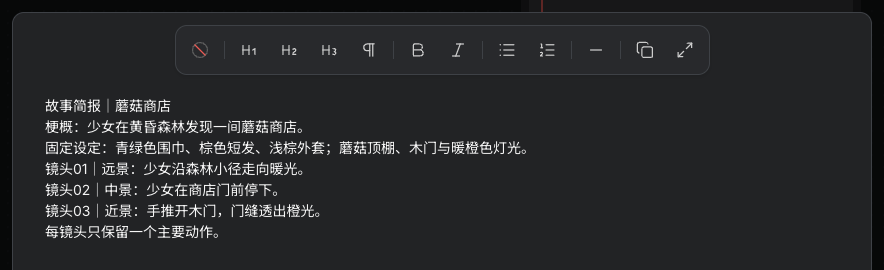
Actual handwritten Mushroom Shop story brief, fixed character traits and three shots
Actual Seagames screenshot (Chinese interface).

Write a brief in a text node

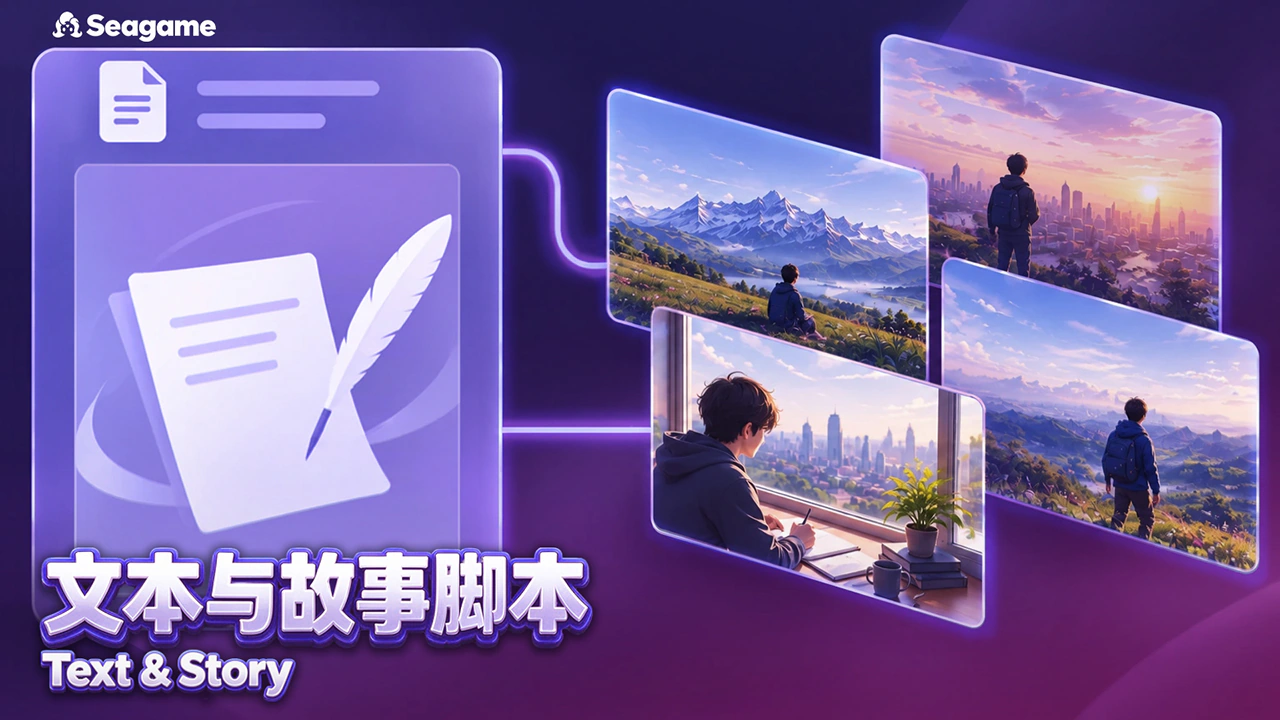
Double-click an empty area and choose Text. For a handwritten brief, choose Write your own content on the empty card. Describe visible events, fixed character traits, time of day and palette in the body. For longer text, use Expand editor in the text toolbar to review the premise and individual shots together.

For AI writing, enter the writing or script requirements, check the credit quote and generate. Review and edit the generated body. Downstream references use the body, not the AI prompt input.

Write a three-shot opening for a warm exploration game. A girl wearing a teal scarf discovers a mushroom shop in a forest at dusk. For each shot, list shot size, visible action, environmental details and mood. Keep one main action per shot.

Split the script into separate shots

Number shots and give each one a subject, shot size, action and background. Still images describe a visible state; video describes change over time. Replace abstract traits such as “brave” with visible actions such as “reaches out to open the wooden door”.

  1. Shot 01: wide view, the girl follows a forest path toward warm light.

  2. Shot 02: medium view, she stops outside the mushroom shop.

  3. Shot 03: close view, a hand opens the door and orange light spills through.

Keep character and scene rules together

Add a “Fixed traits” text node for scarf color, clothing, hair and shop shape. Repeat essential constraints in each shot, and use the same character reference to reduce variation.

Text reference support depends on the destination model. Include key instructions in the generation node too, so they do not remain only in a note outside the request.

Review before generating

Read the script for actions that fit within one shot, a logical sequence and abstract instructions that cannot be shown. Change one problem at a time, then use the revised description in an image or video node.

Text nodes help with writing and organization. This method does not require slash commands, and a script is not automatically executable code.

Check what the image communicates

Compare each generated shot with its script. Confirm character traits, action direction and time of day before producing the next shot.

Practice: write one visible description for each of three shots that works without narration. If the sequence needs extensive explanation, simplify the story or add a clear transition.

Try it yourself

Open your projects, create a canvas, and apply this tutorial to your own work.

Open Projects to write a story