

게임 세계 예술을 위한 GPT 이미지 2 | SeaGames 환경 및 레벨 비주얼
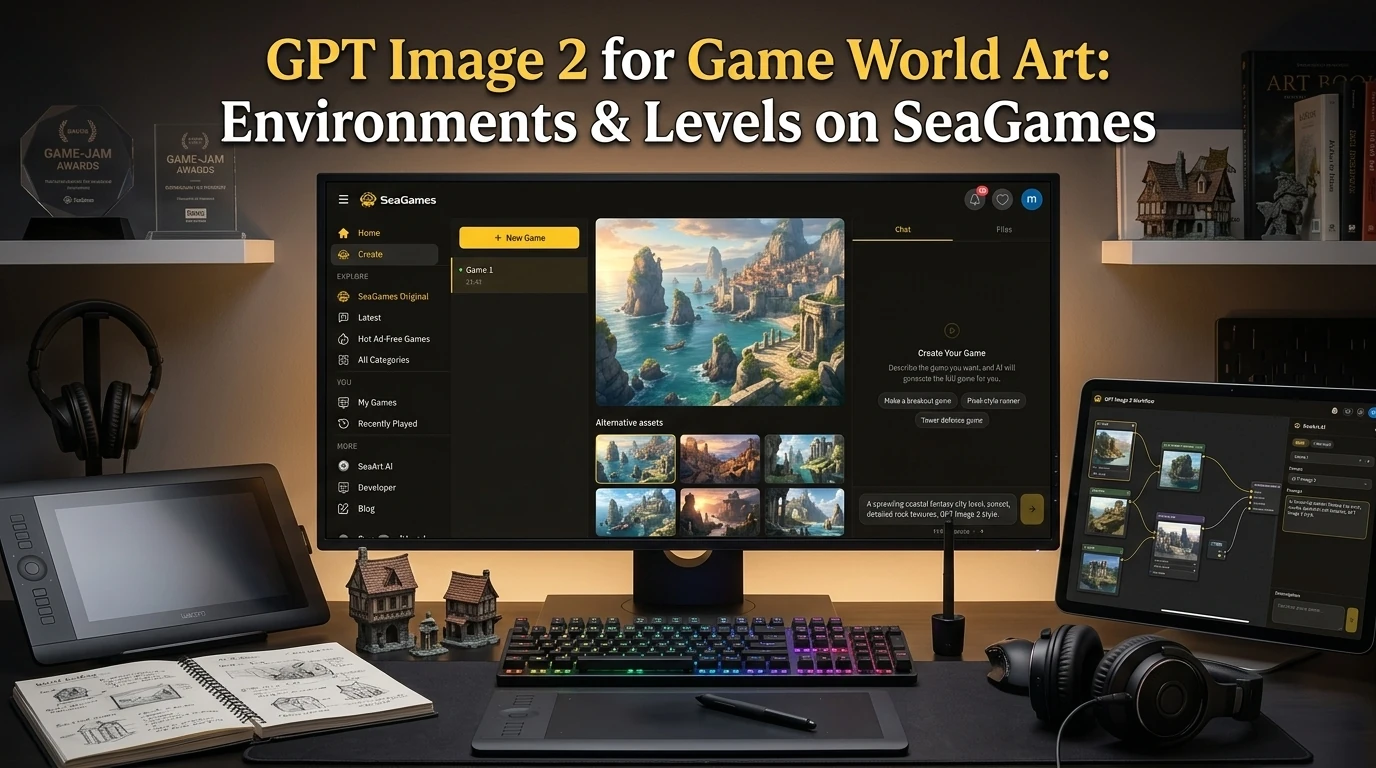
🌍 GPT Image 2 for Game World Art: Environments & Levels on SeaGames
GPT Image 2 launches with dramatically improved spatial reasoning and texture consistency — a direct upgrade for any creator building game worlds. On SeaGames, where the loop is describe → generate → play in browser, better environment art means your players feel the place before they understand the rules. Forests feel dense. Dungeons feel oppressive. Sky cities feel vast. That emotional grounding is not decoration; it is the first layer of game feel.
This guide covers how to use GPT Image 2 for the full range of game world visuals: establishing shots, tileable terrain sets, foreground props, parallax layers, and UI-backing panels — all tuned for the browser-first HTML5 builds SeaGames creators ship.
⚡ What GPT Image 2 changes for game world art
Earlier image models struggled with two specific problems game creators hit every day: tile-edge coherence (can you tile this texture without a seam?) and perspective consistency (does the floor, wall, and ceiling all share the same vanishing point?). GPT Image 2 improves both.
🔲 Better spatial layouts. Request "top-down dungeon room, stone tiles, two doors, torches on walls" and the result respects the spatial logic — rather than flattening everything into a texture collage. Game-relevant geometry appears in the right places.
🎨 Style retention across a set. Generate a forest clearing, then a forest cave entrance, then a forest merchant camp — with the same foliage density, color temperature, and lighting direction. The set reads as one world instead of a random bundle of green images.
📐 Composition awareness. Specify "sprite-safe lower third" or "empty sky for parallax" and the model reserves those zones more reliably, reducing the post-processing you need before assets are engine-ready.
🗂️ Environment asset types for games
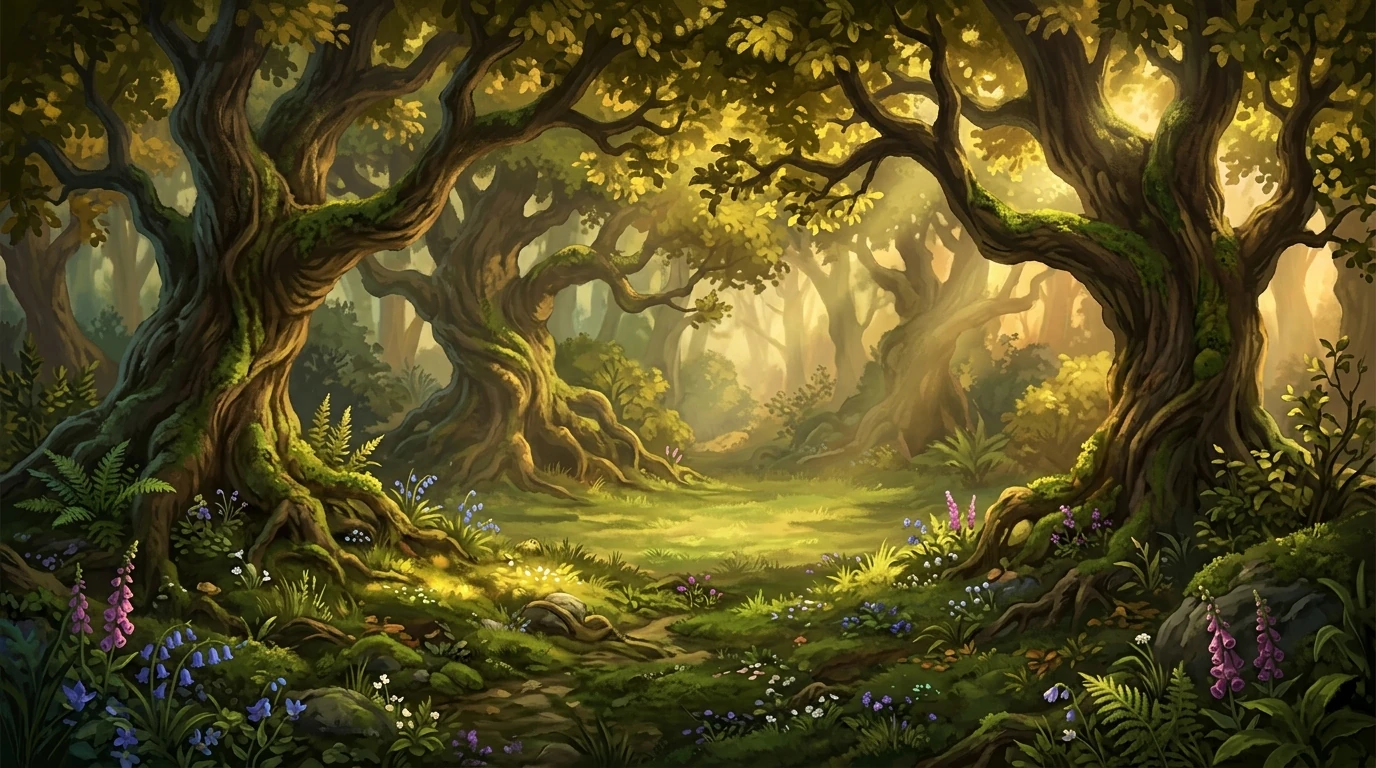
🏞️ Establishing / level background. The full-screen (or wide parallax) image players see behind gameplay. Sets biome, time of day, and mood. The most emotionally loaded asset type — and the one GPT Image 2 handles best out of all environment art.
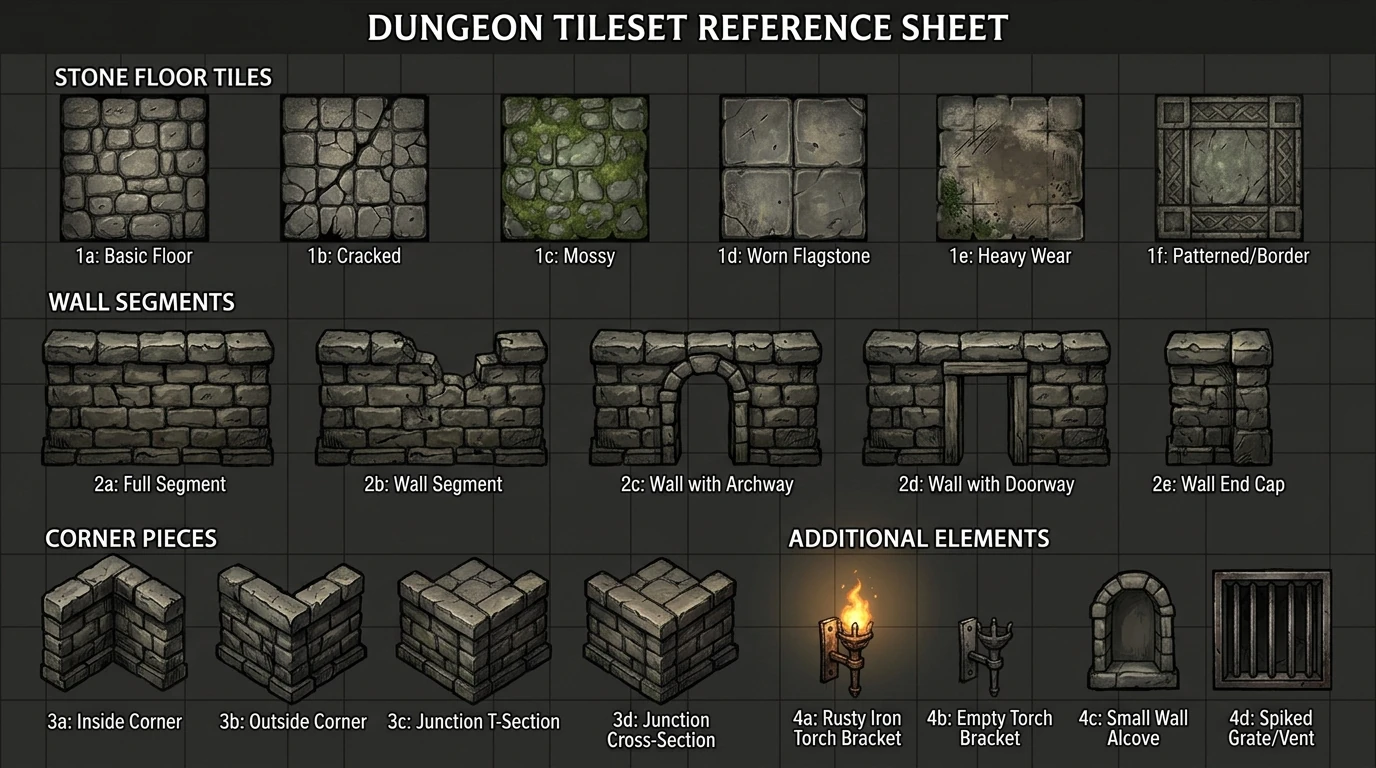
🔲 Tilesets / terrain sheets. Repeating modular pieces — ground, wall, platform, corner — that level editors assemble into playable maps. Harder to generate than establishing shots because seam coherence is a hard technical requirement.
🌿 Foreground props. Decorative elements layered in front of the gameplay layer: bushes, lamp posts, barrels, sign posts. Usually need transparent backgrounds and consistent scale with other props.
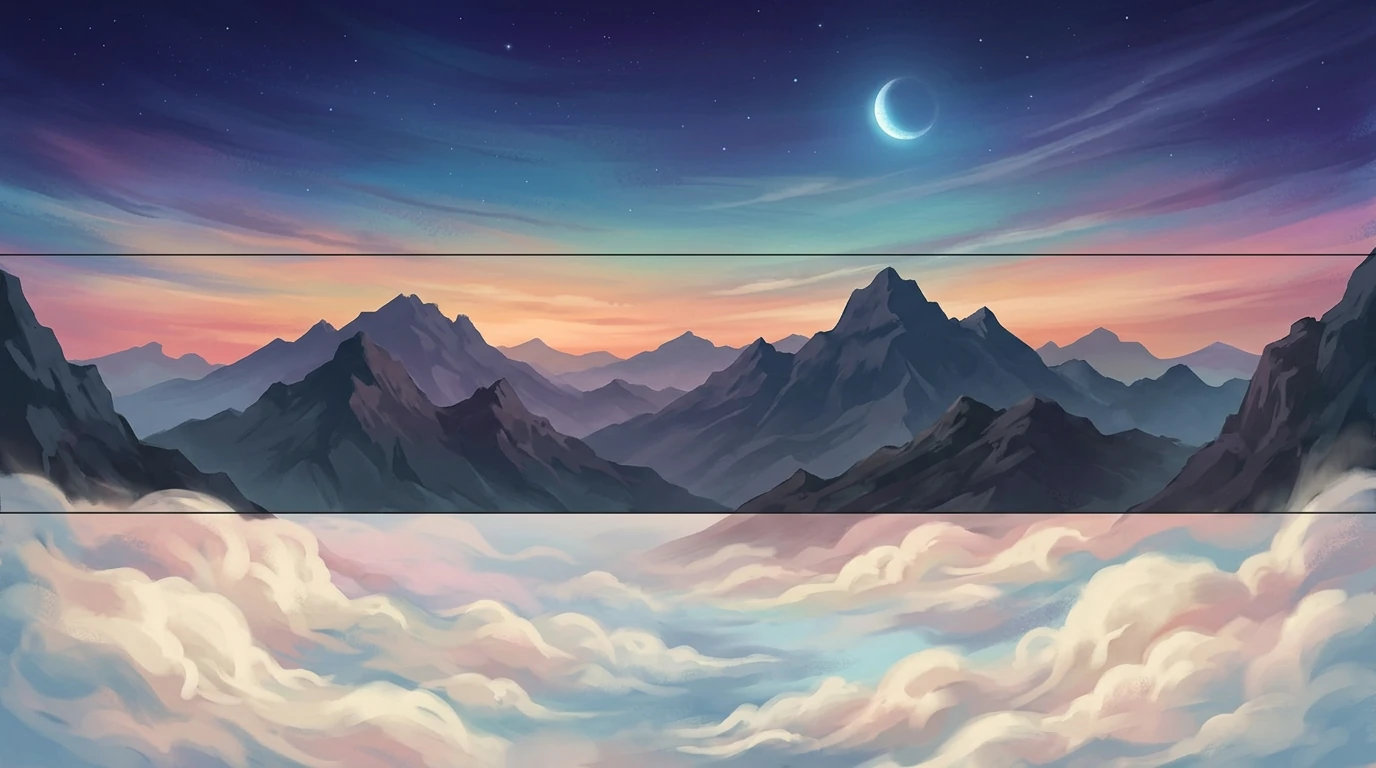
☁️ Parallax layers. Separated depth planes — far sky, mid clouds, near foliage — that scroll at different speeds. Each layer needs a clean horizon or feathered edge and must tile horizontally for scrolling games.
🖼️ UI environment panels. World map screens, dialogue backdrops, chapter intro cards. These blend environment art and graphic design — detail where the eye goes, flat where text lives.
🛤️ Step-by-step world art workflow with GPT Image 2
Step 1: Write a world bible (one page). List biomes, time periods, palette families, and forbidden looks before you open the image tool. "Warm desert ruins, sandstone and terracotta, midday harsh shadows, no ice or snow, no neon" is enough to anchor a full environment set.
Step 2: Generate hero establishing shots first. One hero image per biome — the scene that best sells the mood. These define the visual ceiling the rest of the set must match. If the hero shot fails, fix the prompt before generating 30 tileset pieces.
Step 3: Lock the style tail. Extract 4–6 keywords from your approved hero shots: "warm ochre palette, hand-painted textures, soft rim lighting, visible brush strokes, desert atmosphere." Append this tail verbatim to every subsequent prompt in the project.
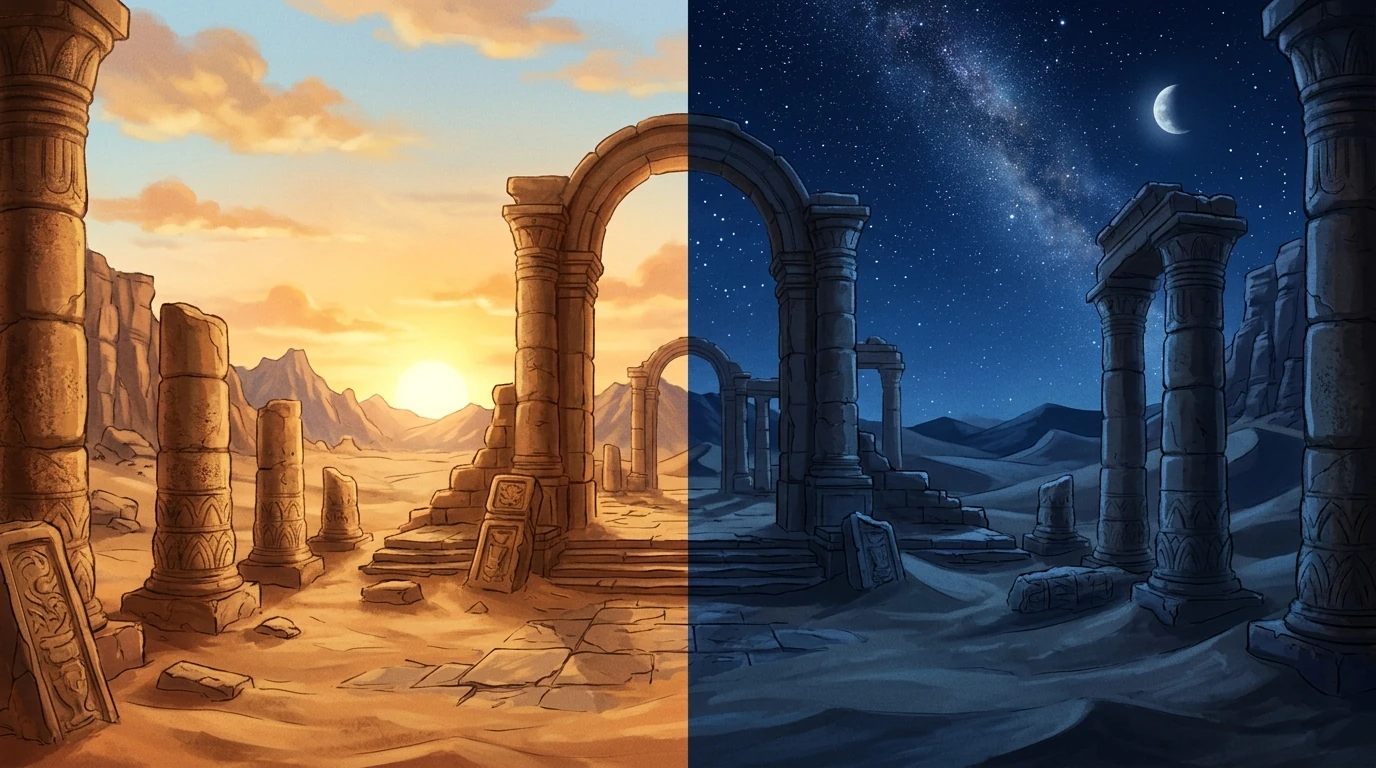
Step 4: Generate variants by lighting delta only. Duplicate the hero prompt, change only time-of-day and weather: dawn mist, harsh noon, golden sunset, overcast, night with lanterns. All other vocabulary stays frozen.
Step 5: Generate props and overlays. With the hero shots approved, move to props — barrels, crates, flora, signs. Use the same style tail. Request "isolated on white background" or "on transparent background" for clean extraction.
Step 6: Test in the SeaGames browser build. Drop assets into your actual project. Check: Does the background fight the UI? Do props read at gameplay zoom? Does the mobile view cut off important geography? Fix issues before generating more art.
Step 7: Archive prompts next to files. Save the exact prompt text alongside each approved asset. Three months later, when you need a new sub-area in the same biome, the prompt log is how you match the original set.
🗺️ Biome and genre prompt templates
Use these as starting points. Replace the style tail with your own locked keywords.
🌲 Fantasy Forest
16:9 fantasy forest path game background, ancient towering oak trees, roots and ferns on mossy ground, dappled afternoon light through canopy, painterly 2D game art, empty scene no characters or animals.
🏜️ Desert Ruins
16:9 desert ruins game environment, crumbling sandstone columns, sand dunes horizon, harsh midday sun, terracotta and gold palette, painterly 2D game art, no figures.
🏰 Medieval Castle Interior
16:9 medieval great hall game background, stone arches, banners, fireplace with warm glow, wooden tables, torchlight, painterly 2D game art style, empty no characters.
🚀 Sci-Fi Space Station
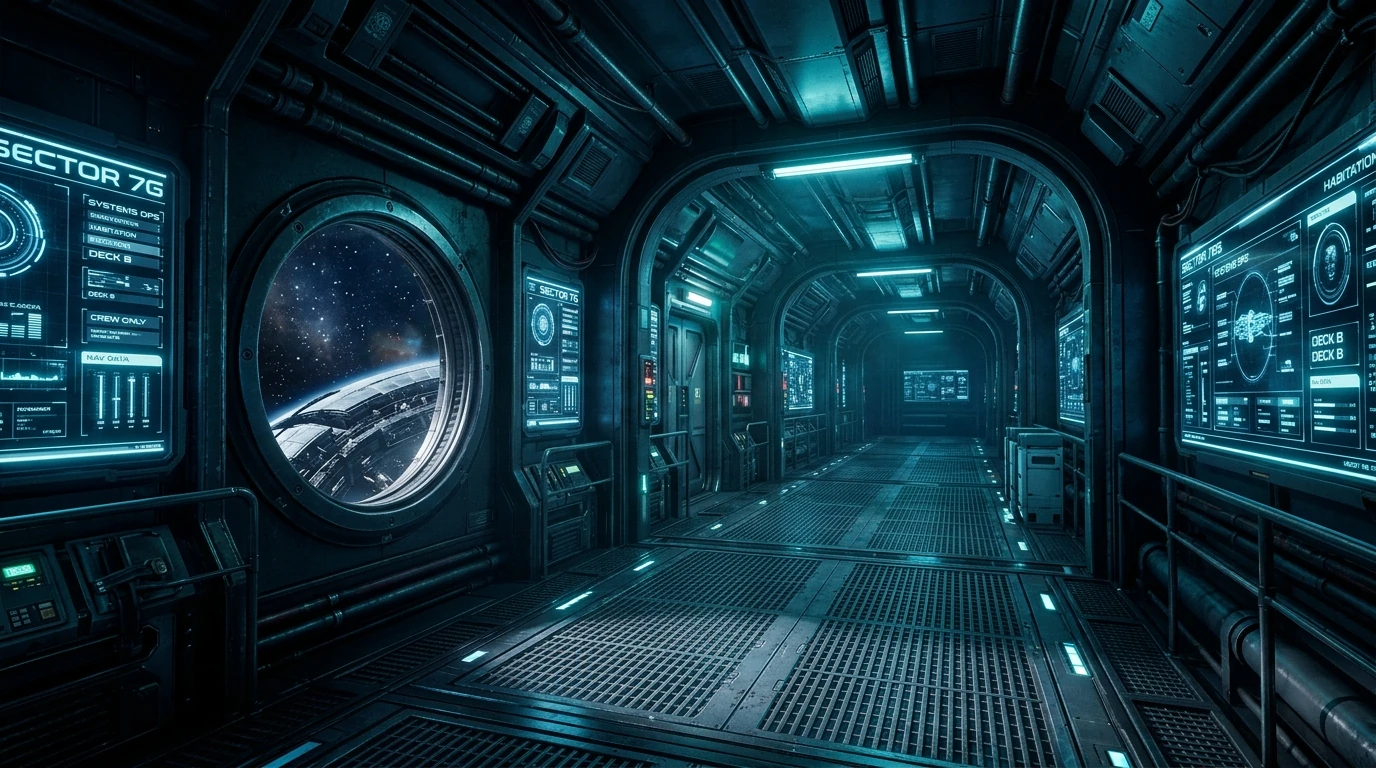
16:9 sci-fi space station corridor game background, metal grating floor, holographic panels, cool blue and cyan lighting, view of stars through window, cinematic game art, empty corridor no figures.
🌊 Underwater Kingdom
16:9 underwater kingdom game scene, coral reef columns, shafts of filtered light from above, bioluminescent plants, teal and deep blue palette, painterly 2D game art, empty no characters.
🍄 Cozy Mushroom Village
16:9 cozy mushroom village game background, oversized colorful mushroom houses, cobblestone path, warm evening glow, firefly particles, cute wholesome art style, empty village no characters.
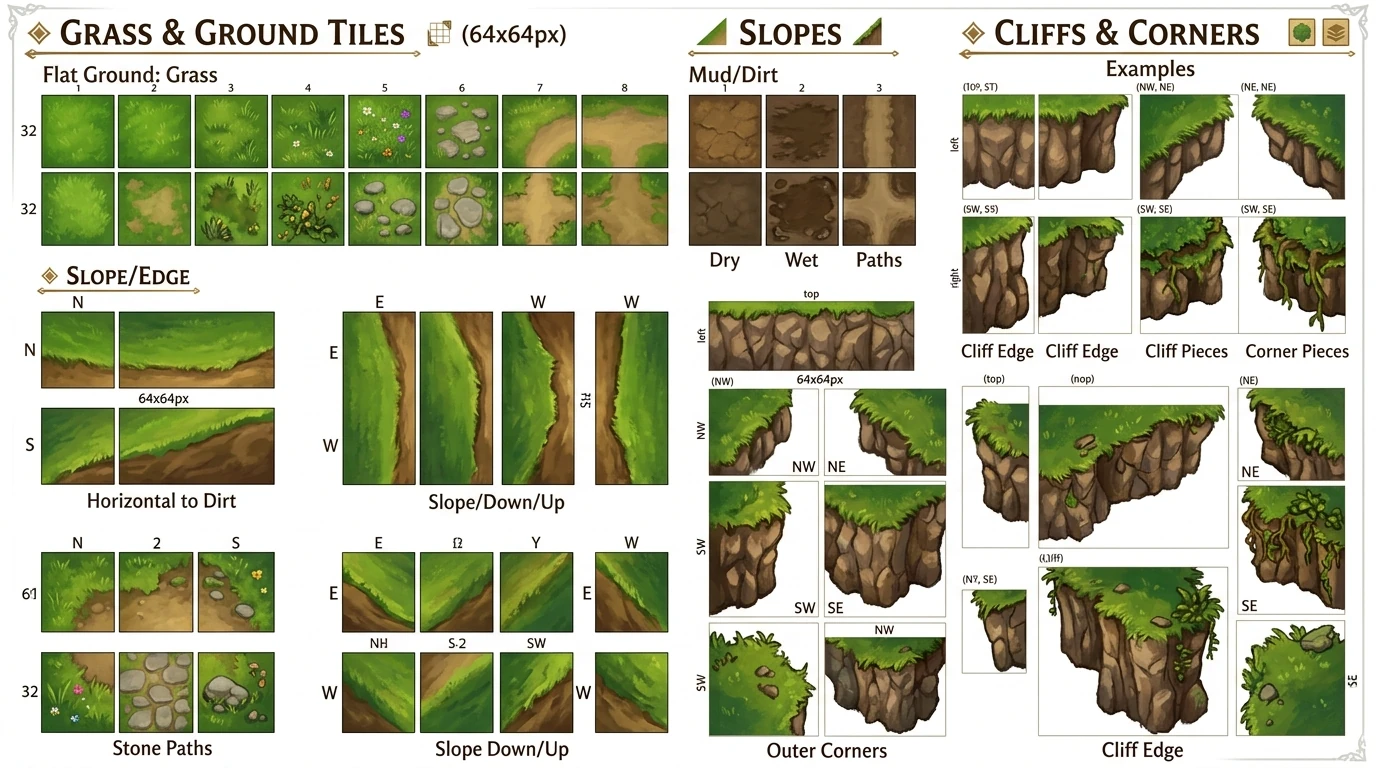
🔲 Tilesets and repeating terrain
Tilesets are the hardest environment asset to generate well — seam coherence is a hard technical requirement, not an aesthetic preference. A tile that doesn't repeat cleanly breaks every level it touches. Here is a practical GPT Image 2 approach that works within that constraint.
🎯 Generate reference sheets, not ready tiles. Ask for a "tileset reference sheet" or "texture vocabulary page" — a flat layout showing floor, wall, corner, and transition surfaces side by side. Use these as art direction anchors for manual assembly or for additional generations where you crop individual pieces.
🔲 Seamless texture approach. For flat terrain textures (grass, sand, stone floor), add "seamless tileable texture, no visible edge, repeating pattern" to the prompt. These work best for top-down or isometric games where the tile boundary is less visible.
📐 Keep tile art simple. Detailed tiles fight each other when repeated. Aim for "reads clearly as stone/grass/water" rather than a showcase painting. Save detail for hero props that appear once per room.
🛠️ Post-process for seams. Even good AI output benefits from a quick pass in an image editor: check the 4 edges tile cleanly, clone-stamp obvious repetition artifacts, and normalize brightness across the set.
🌐 Browser-ready export specs
SeaGames builds run in the browser tab. That means every environment asset competes for bandwidth on mobile networks and must render without GPU-heavy shaders. These are the specs that determine whether your beautiful world art becomes a playable experience or a loading spinner.
| Asset type | Recommended size | Format | Target file size |
|---|---|---|---|
| Full-screen BG | 1920×1080 | WebP / JPEG | Under 200 KB |
| Parallax layer | 2400×600 (wider for scroll) | WebP / PNG | Under 150 KB per layer |
| Prop / foreground | 256–512 px | PNG (transparency) | Under 50 KB |
| Tile piece | 64–128 px per tile | PNG atlas sheet | Under 100 KB per atlas |
| UI backing panel | Match UI element size | WebP / PNG | Under 80 KB |
📱 Mobile test is mandatory. Desktop looks fine at 1920px; on a mid-range Android phone, the same background may take 4 seconds to decode and render. Test real devices before the first public share link.
🎨 sRGB color space. Generate and export in sRGB. If your generator outputs in a wide-gamut space, convert on export — browser renderers expect sRGB and will shift colors otherwise.
🎮 SeaGames integration: world art in the AI game loop
SeaGames is not a static art hosting tool — it is a platform where game ideas run in the browser tab and players interact with your world immediately. That changes what "good environment art" means in practice.
🔁 Short loop first. Before generating a complete world art set, build the smallest playable slice that contains one key environment. Share the link. Watch whether players notice the place or ignore it. That data tells you how much art investment the world deserves.
🧪 Test composition under real UI. SeaGames browser builds layer gameplay UI on top of your background. A beautiful environment that fights the score display, health bar, or dialogue box is worse than a flat color placeholder. Always proof environment art under actual in-game chrome, not in an art viewer.
📈 Scale art investment with engagement. Generate rough concept backgrounds at launch. When a level gets high playtime, upgrade the art for that zone. Use GPT Image 2's consistency to match the upgraded zone to the rest of the world set.
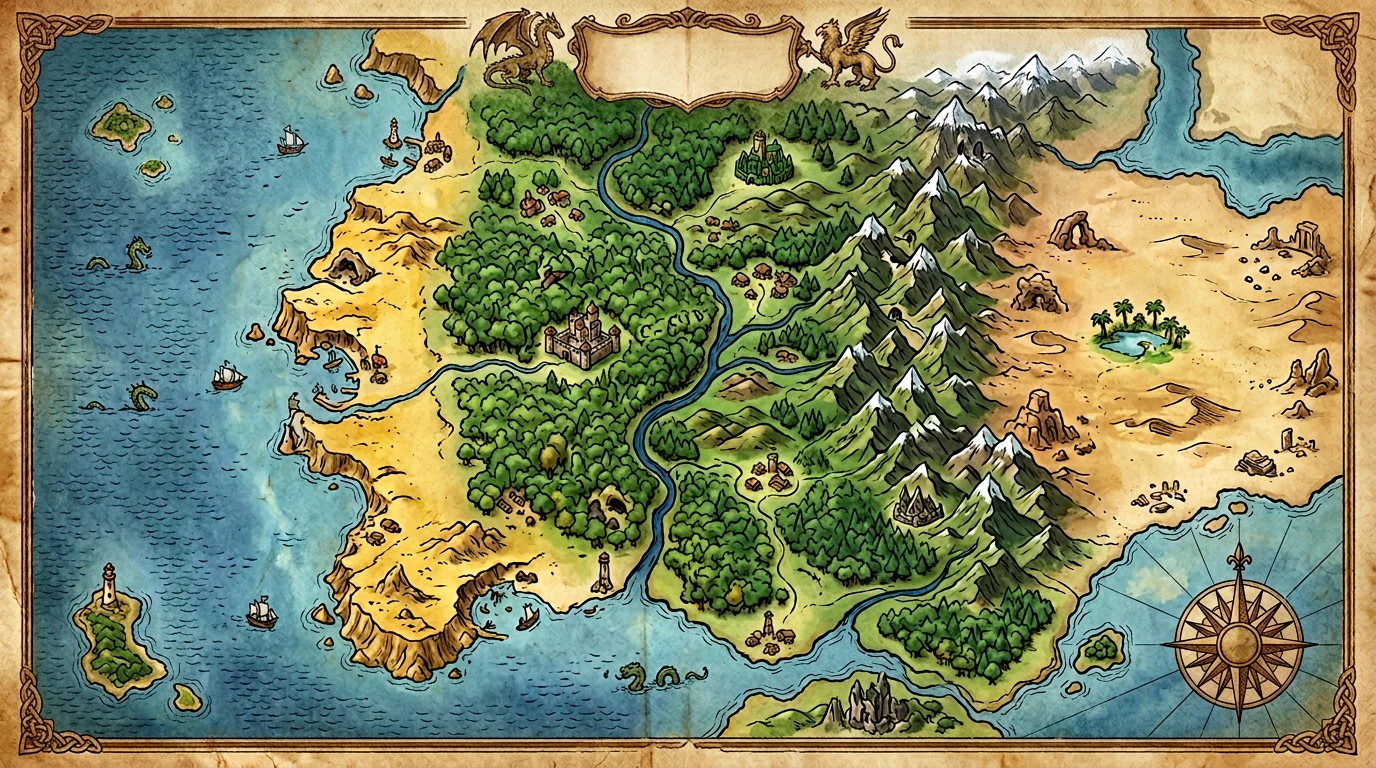
🌍 World map and metagame visuals. SeaGames projects that span multiple levels or chapters benefit from a world map screen. Generate this as a top-down painterly overview — show biome color regions, not detailed level geometry. Players use it for navigation; it also doubles as marketing art.
⚠️ Common pitfalls and fixes
🎨 Style drift across biomes.
Forest, dungeon, and sky zones generated in separate sessions will drift in palette and line weight. Fix: run all zones in one session from the same style tail. Reject outliers before building 20 variants on top of them.
🌟 Overlit "AI look" environment.
Default generation often produces over-saturated, every-surface-glowing results that feel synthetic. Counteract: add "natural lighting, muted palette, subtle shadows, no glowing edges, hand-painted feel" to the style tail.
📐 Wrong perspective for genre.
Platformers want a side-view horizon; top-down games need a bird's-eye angle; isometric games have a fixed 2:1 tile angle. Specify this explicitly every time — the model will not infer your engine's perspective from genre keywords alone.
📱 Busy midground on mobile.
Rich detail that reads well at 1080p desktop becomes visual noise at 360p mobile. Simplify midground complexity. Keep silhouettes and color blocking strong; pull back on texture details in the player-action zone.
🪧 Generated text and fake signs.
AI-generated environments often include garbled signage and fake writing. Add "no readable text, no signs, no writing" to every prompt, then add real localized text as an engine overlay layer.
❓ FAQ
❔ Can GPT Image 2 generate seamless tiling textures?
Prompt with "seamless tileable texture, no visible seam edge." Results are often close but benefit from a quick manual seam check and clone-stamp pass before use in a tile engine.
❔ What's the best aspect ratio for game backgrounds?
16:9 is standard. Author slightly wider (e.g., 21:9) if your game pans the camera. For mobile-first portrait games, use 9:16.
❔ How do I match new environment art to old art in the same game?
Archive the original style-tail prompt. Use the same keywords, plus reference one approved image as a description anchor. If the model has drifted, do a small-batch test with 4 candidates before committing to a full set.
❔ Do I need to credit AI in my SeaGames project?
Check OpenAI's current terms and SeaGames' content guidelines. Disclosure norms are evolving; when in doubt, disclose in the project description.
❔ Can I combine GPT Image 2 backgrounds with hand-drawn characters?
Yes — many successful games use AI environments with hand-crafted characters or vice versa. The key is a bridging grade or consistent line weight so the two sources read as one visual world.
❔ My environments look "too AI." How do I fix it?
Add style adjectives that fight the default: "hand-painted, traditional media, natural lighting, visible brush texture, muted colors." Avoid prompts that default to photorealism or digital gloss.
❔ How many environment images do I need for a small SeaGames game?
A minimal complete set: 1–2 level backgrounds per biome, 1 title/menu screen, 1 game-over/win screen, 1–2 UI backdrop panels. That's 6–10 images. Expand only after the first playtest confirms the game is worth more art investment.
❔ Can I use GPT Image 2 for loading screen art?
Yes. Generate at native resolution with a safe zone in the center for progress UI. A dramatic environment shot doubles as good marketing art for the store page thumbnail.
✅ Closing
GPT Image 2 raises the ceiling for what a solo creator or small team can build with environment art on SeaGames — not by removing design decisions, but by compressing the time between "I want this place to feel ancient and dangerous" and a playable scene that actually communicates it.
Lock your style tail before you generate the second image. Test every background under real gameplay UI. Export at browser-friendly sizes. And ship a small playable slice first — let players tell you which zones deserve more world-building before you render the entire continent.
The best game world art is invisible: players feel the place and think about the challenge, not the asset. That is the bar GPT Image 2 helps you reach faster — and SeaGames is where players will tell you whether you got there.