

How GPT Image 2 Is Changing Game Asset Creation in 2026
🎨 How GPT Image 2 Is Changing Game Asset Creation in 2026
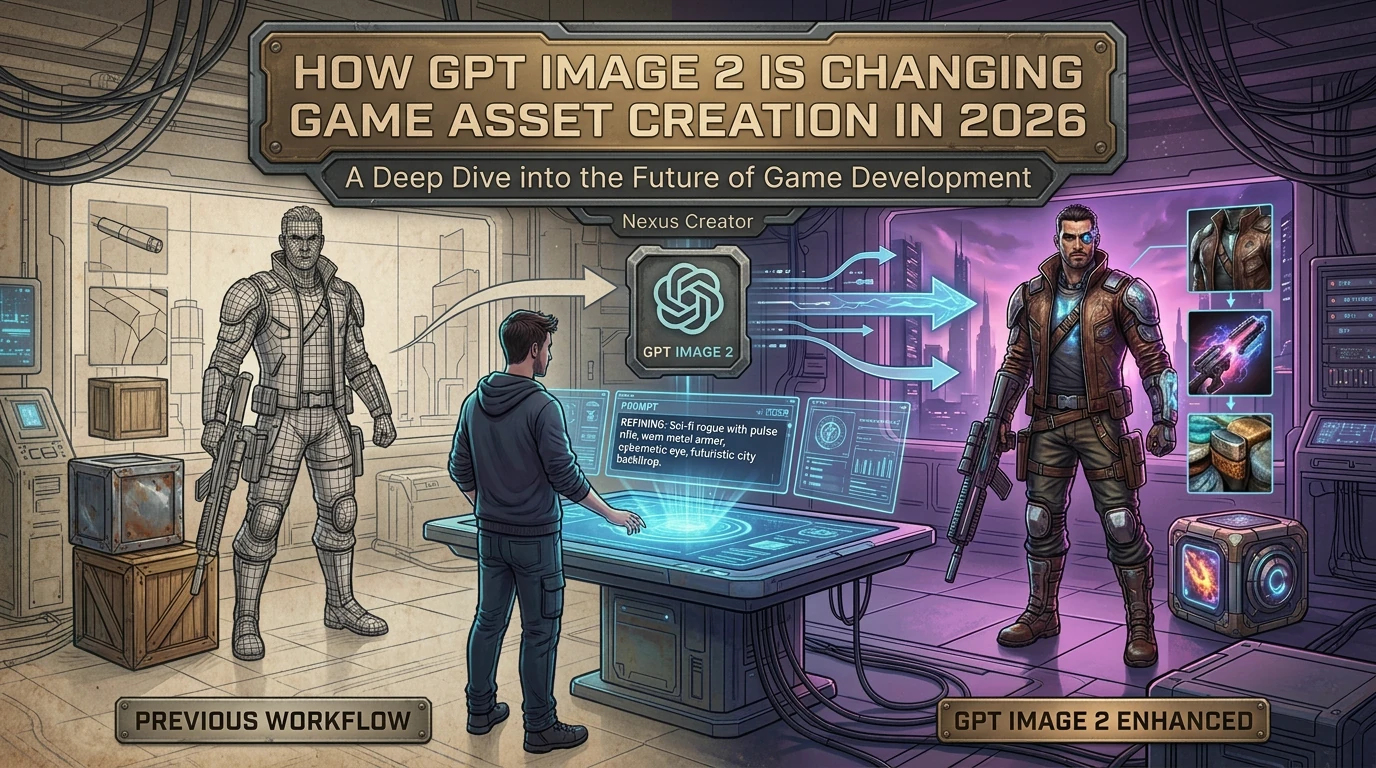
Game assets used to be the bottleneck that separated solo creators from studios. A single polished sprite sheet — idle, walk, attack, death — could take an artist days. In 2026, GPT Image 2 (released by OpenAI under the model ID gpt-image-1) has fundamentally shifted that equation: photorealistic consistency, clean text rendering inside images, and precise instruction following now arrive in a single API call.
For SeaGames creators building browser games with natural language, this matters in a very practical way. When your character design, UI chrome, background tile, and loading screen all need to look like the same game, GPT Image 2 is the tool that keeps visual identity coherent across every asset.
📌 What is GPT Image 2?
GPT Image 2 is OpenAI's native image generation model, available as gpt-image-1 through the API. It succeeded DALL-E 3 with three headline improvements that matter specifically for game development:
- Text rendering accuracy — In-image text (HUD labels, button copy, tutorial callouts) renders legibly without the classic garbled-font issue of earlier diffusion models.
- Instruction following — Multi-constraint prompts ("a warrior with a blue shield, no helmet, holding a torch, viewed from the side") resolve more reliably. Fewer retry loops.
- World knowledge in visual form — The model understands genre conventions: "roguelike inventory grid," "cozy mobile UI," "sci-fi HUD readout" each produce coherent results without verbose descriptions.
For game creators, these three properties combine into something practical: describe a game asset in game-design language, get a usable draft, iterate in the same prompt channel.
🎮 Why GPT Image 2 matters for game assets specifically
Game visuals have stricter constraints than editorial illustration. A character sprite must read at 32×32 pixels. A UI button must pair with three sibling buttons at the same visual weight. A background tile must loop without a seam. These are system constraints, not artistic preferences — and GPT Image 2 responds to them when you include them in the prompt.
Why visual consistency is the hardest part
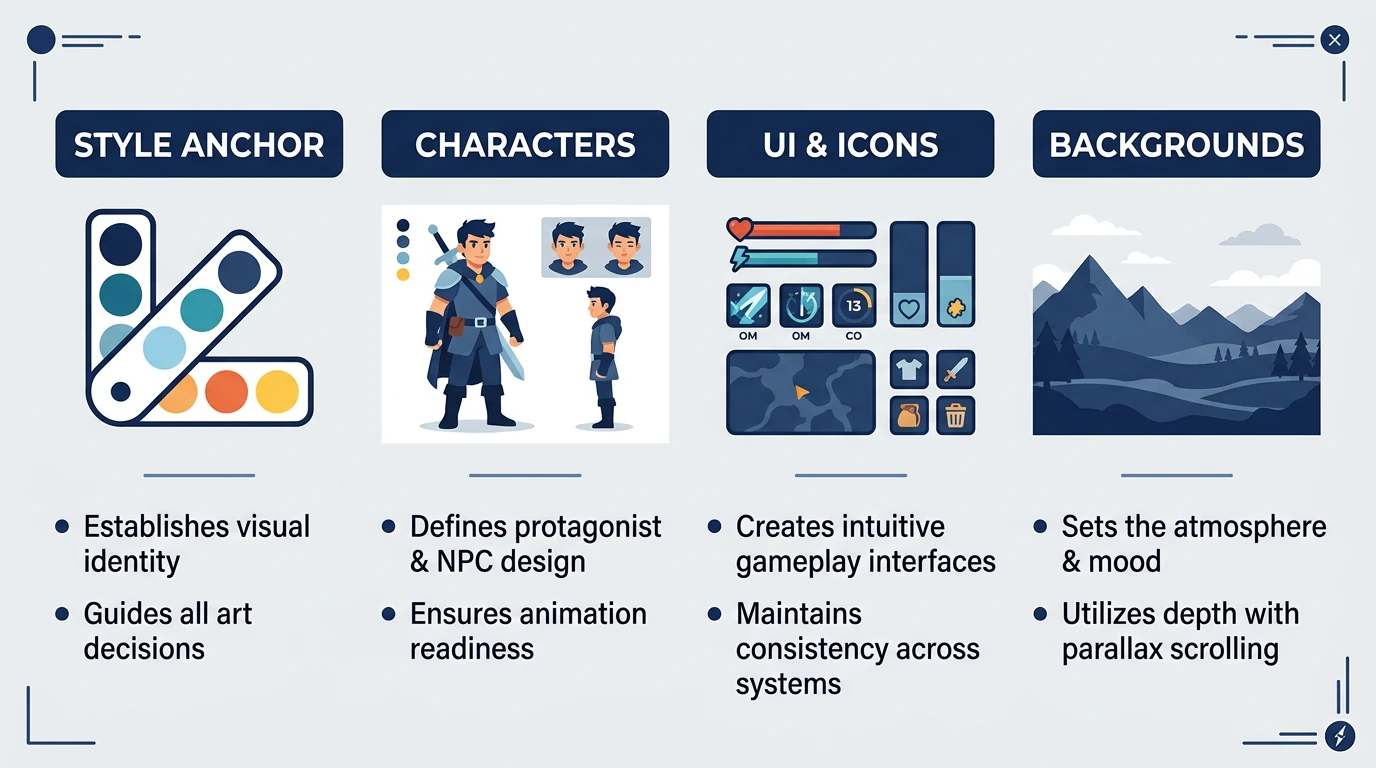
When character art, UI chrome, and background tiles come from three different generation sessions with no shared style anchor, the game looks like a prototype collage even if each individual asset is good. GPT Image 2's instruction following means you can write a style anchor prompt once ("flat vector, warm autumn palette, no outlines thicker than 2px") and carry it across every asset batch.
🗂️ Asset types: what GPT Image 2 handles well
1. Character sprites
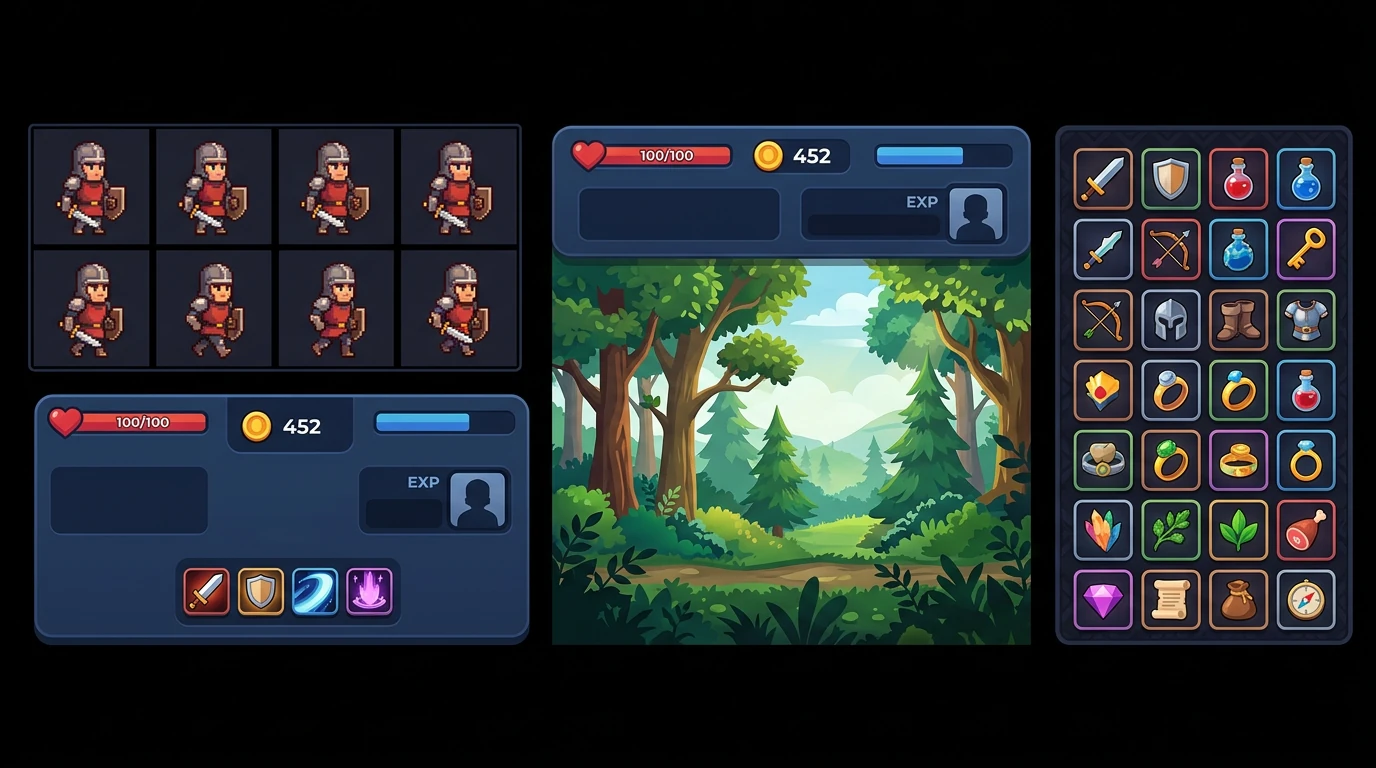
Generate a character reference sheet with idle, run, and hit poses in a single prompt. Specify view angle ("front-facing, full body, on transparent background"), art style ("16-bit retro with soft anti-aliasing"), and color palette ("primary blue, accent gold, no red").
Tip: Ask for a "character model sheet" rather than just a "sprite" — the model understands the reference-sheet convention and places multiple poses in one image.
2. UI panels and HUD elements
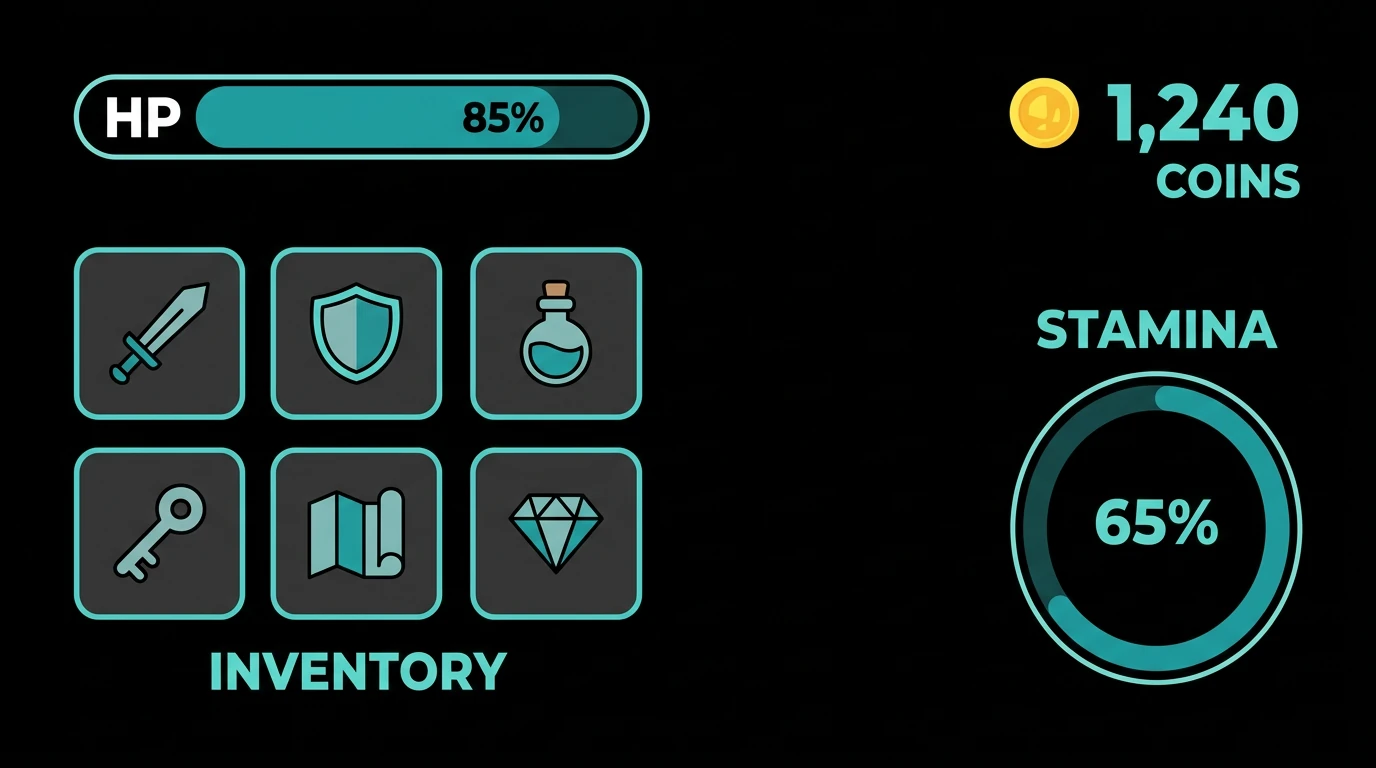
Health bars, stamina meters, coin counters, minimap frames, dialogue boxes — these are where GPT Image 2's text rendering pays off. Label a button "ATTACK" in the prompt and the output will actually say "ATTACK", not a squiggle approximation.
Tip: Include the word "clean white background" or "transparent background (mock only)" to get a UI mockup that's easy to trace or cut out.
3. Tiled backgrounds and environments
Parallax layers (sky, midground, foreground), dungeon wall tiles, grass terrain squares, and cityscape backdrops. Specify "seamless tile, 512×512" and the model produces a result designed with tileability in mind — though you should still verify the edges manually.
Tip: Use depth cues in the prompt ("distant misty mountains, low detail, desaturated") to bake parallax behavior into asset style rather than adding it as a filter later.
4. Icons and collectibles
Weapon icons, skill badges, achievement medals, currency tokens — these small assets are GPT Image 2's sweet spot. A prompt like "a grid of 12 RPG inventory icons in flat vector style, warm color palette, each on a square tile with a subtle border" produces a consistent batch in one shot.
Tip: Ask for odd-numbered batches ("9 icons, 3×3 grid") — the model fills a square grid more reliably than rectangular ones.
⚙️ Practical workflow on SeaGames
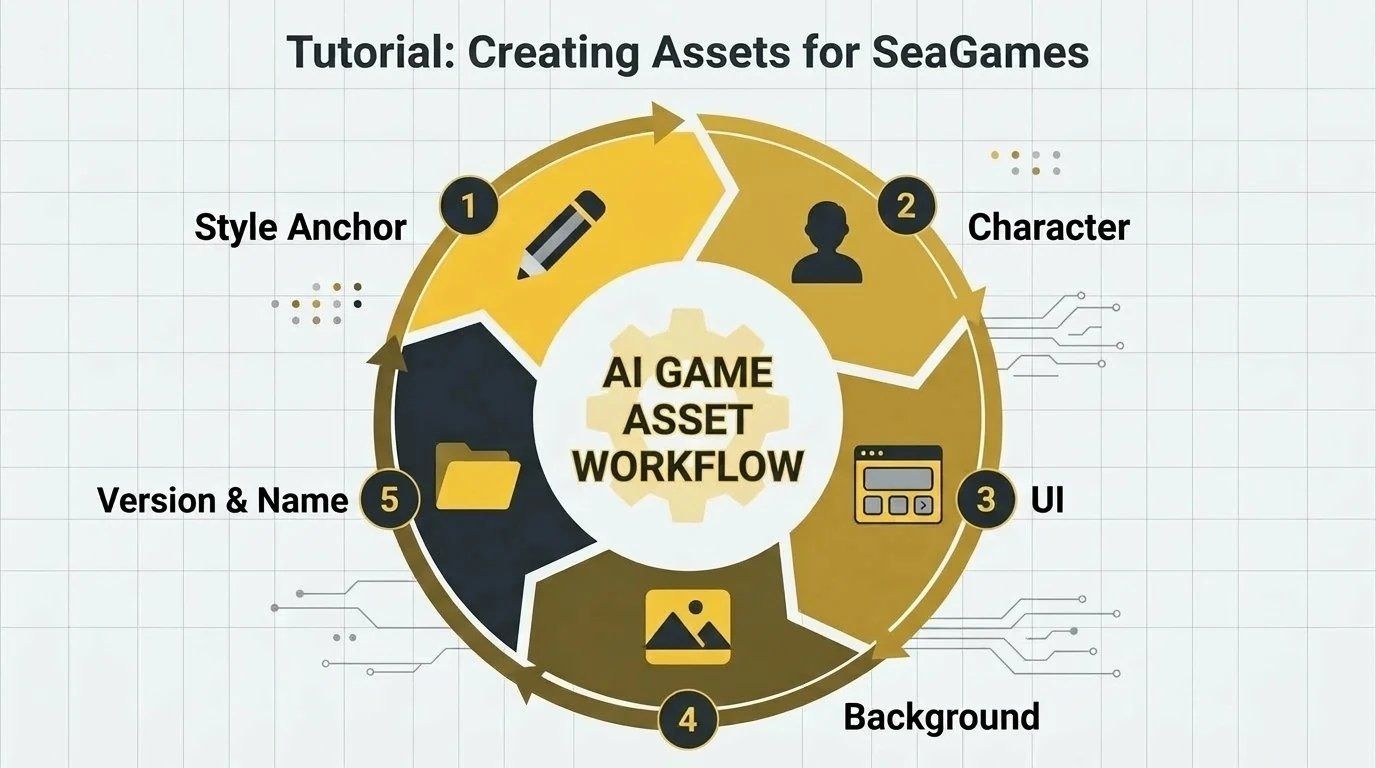
A SeaGames creator working with GPT Image 2 assets follows a five-step loop:
- Write a style anchor — One paragraph describing art style, palette, mood, and forbidden looks. Example: "Hand-painted low-poly, warm earth tones, no neon, no photoreal textures, reminiscent of a 2016 indie mobile game."
- Generate character first — The main character defines the visual tone. All other assets should reference "same style as [character description]" in their prompts.
- Generate UI second — UI must read at small sizes. Test every UI asset at 1× zoom before approving.
- Generate backgrounds last — Backgrounds should recede, not compete. Use "low contrast," "desaturated midground" to ensure the character reads in front.
- Name and version every batch — "warrior_v1_idle.png", "warrior_v2_idle_blue_shield.png". GPT Image 2 does not remember prior sessions; your file names are the continuity.
✏️ Prompt tips for game assets
| Asset type | Key prompt ingredients | Avoid |
|---|---|---|
| Character sprite | View angle, pose count, art style, transparent bg, color palette | "Cool character" (too vague) |
| UI / HUD | Explicit text labels, element list, white/transparent bg, size reference | Dark backgrounds (hides readability issues) |
| Background tile | "Seamless tile," resolution, depth layer (sky/mid/fore), saturation level | Unique landmark (breaks tileability) |
| Icon batch | Grid layout (e.g. "3×3"), consistent border, named items list, flat/vector style | Mixed styles within one batch |
| Loading screen | 16:9 ratio, game title placeholder, atmospheric scene, consistent with character art | Photorealistic if game is stylized |
⚠️ What still takes a human hand
GPT Image 2 is a strong first-pass tool, not a pipeline replacement. Know these limits before you commit to an asset set:
- Animation frames — GPT Image 2 generates still images. A 12-frame walk cycle requires either a sprite sheet prompt (works for simple cases) or manual frame correction in a pixel editor.
- Pixel-perfect edge alignment — Tiles that must align sub-pixel-perfectly (platformer collision edges, isometric grids) need a human cleanup pass after generation.
- Session memory — GPT Image 2 does not remember what it generated in a previous session. Your style anchor prompt must be re-included every time.
- Highly symbolic content — Brand logos, trademarked characters, or very specific cultural symbols are refused or distorted. Design original IP.
❓ FAQ
Q: What is GPT Image 2 vs gpt-image-1?
They refer to the same model. "GPT Image 2" is the public-facing marketing name; "gpt-image-1" is the model ID you use in the OpenAI API. When SeaGames integrates image generation, it uses gpt-image-1 under the hood.
Q: Can I use GPT Image 2 to generate all assets for a SeaGames game?
Yes for most static assets: characters, UI panels, backgrounds, icons, loading screens, and splash art. No for animated frame sequences — those need a separate step or a sprite sheet approach.
Q: How do I keep all my assets looking like the same game?
Write a style anchor — a single paragraph describing art style, palette, forbidden looks, and mood — and paste it at the top of every image generation prompt. This is the single most effective consistency technique.
Q: Does GPT Image 2 handle text inside images?
Much better than DALL-E 3. Short labels (button names, HUD readouts, level titles) render legibly. Long sentences or paragraphs still drift — keep in-image text under 5 words per element for best results.
Q: What resolution should I request for game assets?
Specify the target use in the prompt rather than a pixel count: "sprite sheet suitable for a 64×64 character on a 1920×1080 screen" gives the model better guidance than "output at 512×512."
Q: Can GPT Image 2 generate seamless tiles?
Include "seamless tile" in the prompt and it will attempt it. Results are good enough for rapid prototyping; for final assets, verify the edges in an image editor and do a quick clone-stamp pass if needed.
Q: Is GPT Image 2 free to use?
gpt-image-1 is an API-based model with per-image pricing. If you're using SeaGames, image generation is handled within the platform's workflow — check your plan for included generation credits.
Q: How is GPT Image 2 better than DALL-E 3 for game assets?
Three main improvements: (1) better text rendering in images, (2) more reliable multi-constraint instruction following, and (3) stronger understanding of game genre conventions — "roguelike HUD" now means something specific to the model.
Q: Should I generate assets before or after writing game logic?
Lock the game loop first (what one minute of play contains), then generate the main character, then UI, then environments. Assets should confirm the feel the logic already produces — not define it.
Q: Can GPT Image 2 generate full game UI screens?
Yes — main menus, pause screens, game-over screens, and settings panels all work well as single-image prompts. Use these outputs as design references; wire the actual interactive elements in SeaGames through its language-first authoring.
Q: What art styles work best with GPT Image 2 for games?
Flat vector, low-poly, pixel art (2D), hand-painted indie, and clean mobile UI styles all perform strongly. Photoreal styles work but are harder to keep consistent across an asset set. Lean into stylized if you're working solo.
📖 Glossary
gpt-image-1
The OpenAI API model ID for GPT Image 2. The marketing name "GPT Image 2" and the API ID "gpt-image-1" refer to the same model.
Style anchor
A reusable paragraph describing art style, color palette, and forbidden looks. Pasting it into every image generation prompt keeps assets visually consistent across sessions.
Sprite sheet
A single image containing multiple animation frames of a character, arranged in a grid. Games extract individual frames by their grid position at runtime.
HUD (Heads-Up Display)
The in-game overlay showing player stats: health, ammo, score, minimap. Designed to be readable at a glance without obstructing the play area.
Parallax layer
A background split into depth layers (sky, midground, foreground) that scroll at different speeds to simulate depth. Each layer is a separate asset tile.
Seamless tile
An image whose left and right edges (and top and bottom edges) match perfectly when placed next to copies of itself, allowing infinite tiling without visible seams.
✅ Closing
GPT Image 2 has moved AI image generation from "good enough for mood boards" to "strong enough for shipping assets." Text that reads, instructions that resolve, and genre knowledge that understands what a "dungeon entrance" should look like — these are practical tools, not marketing claims.
On SeaGames, that means your visual identity keeps up with your game design. Write the style anchor once. Carry it into every asset prompt. Preview early, version carefully, and trust that the gap between "prototype palette" and "shippable visual" is now measured in prompts, not weeks.
The asset bottleneck is no longer the reason to not start. Start with a sentence and a style anchor — the sprites follow.